
Skip to content
Learning pathIntermediate

SQL for data work

From removing duplicates and window functions to modelling for reporting, cohort analysis, indexes and query plans: the SQL a working analyst or engineer uses every week, each lesson with queries that were run.

By Grokem Editorial

  • 8lessons
  • ~90 minin total
  • Intermediatelevel
  • 7topics

Outcomes

What you will be able to do

  • Explain what an index is and how it speeds up a lookup

  • Say what each of the four ACID properties guarantees

  • Choose the column order of a composite index

  • Use a transaction so a multi-step change succeeds or fails as one

  • Recognise queries that cannot use an index

  • Know what isolation levels trade off

Covered

Topics and formats in this path

  • Relational
  • Data Quality
  • Python & SQL
  • Data Modeling
  • Cohort Analysis
  • Indexing
  • Query Optimization
  • How-to
  • Reference
  • Tutorial
  • Explainer
  • Troubleshooting

Learning plan

8 lessons, in order

Each lesson is short enough for one sitting and ends by pointing to the next.

  1. How-to

    Data QualityDoneStarted

    Find and remove duplicate rows in SQL

    Count the copies, number them with ROW_NUMBER, delete all but one per group, and add a unique index so they cannot come back.

    Grokem EditorialBeginner10 min

  2. Tutorial

    Data ModelingDoneStarted

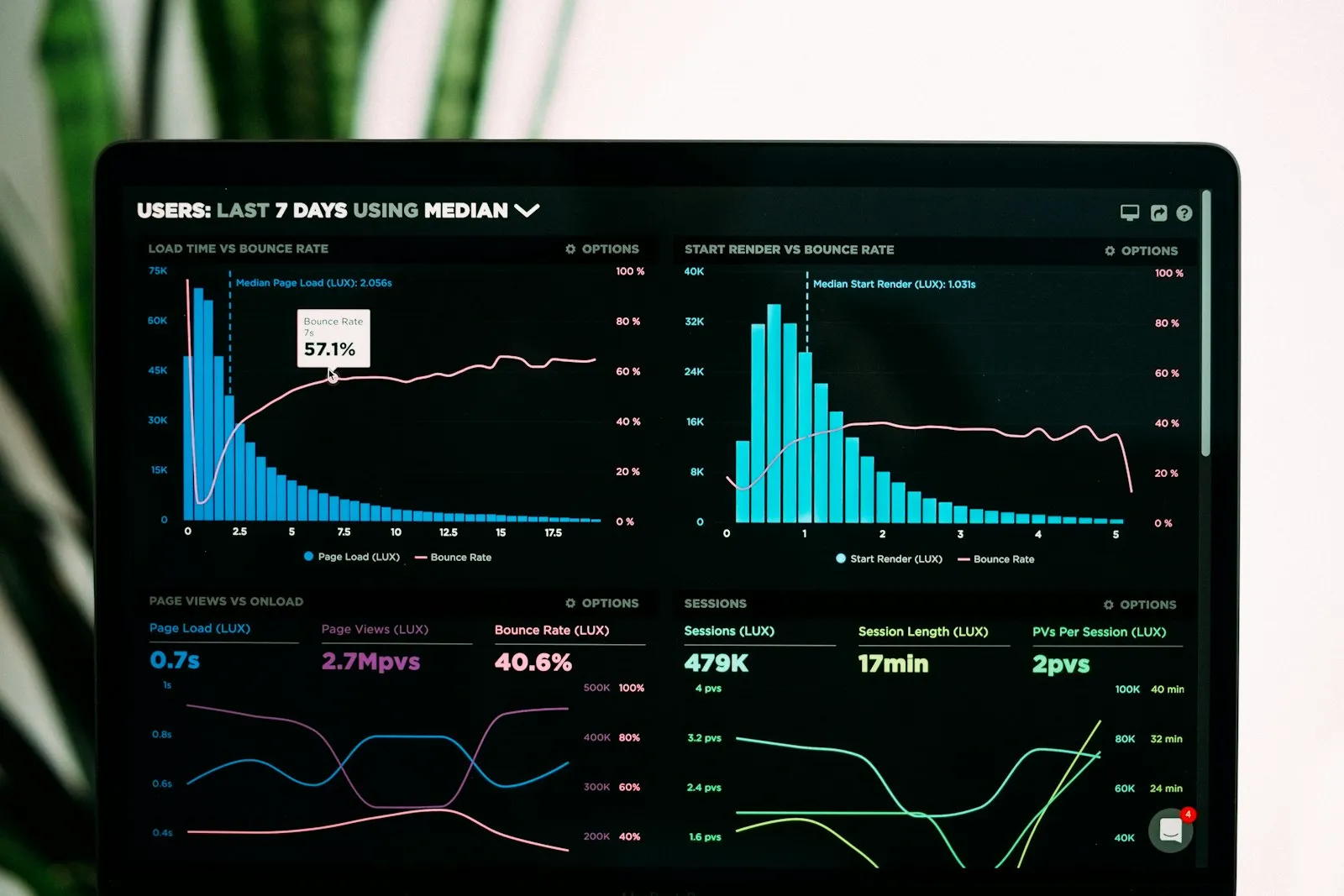
    Design a star schema for sales reporting

    Turn a flat sales export into one fact table and three dimensions, decide the grain, and answer questions with a single join pattern.
    Grokem EditorialIntermediate35 min

  3. Tutorial

    Cohort AnalysisDoneStarted

    Build a cohort retention table in SQL

    Group users by the month they first appeared, count how many return in each later month, and read the result as a retention table.

    Grokem EditorialIntermediate30 min

  4. Explainer

    IndexingDoneStarted

    Database indexes explained: why a lookup stops scanning the whole table

    What an index is, what it costs, how to read the difference between a scan and a search, and the four reasons a query ignores the index you made.

    • Explain what an index is and how it speeds up a lookup
    • Choose the column order of a composite index

    Grokem EditorialBeginner

  5. How-to

    Query OptimizationDoneStarted

    Read a query plan and find the slow part

    Ask the database how it will run a query, read the plan from the inside out, and use it to decide whether an index, a rewrite or nothing at all is the fix.
    Grokem EditorialIntermediate15 min

  6. Explainer

    RelationalDoneStarted

    ACID and transactions in plain language

    What atomicity, consistency, isolation and durability promise, shown with a money transfer that fails half-way and leaves nothing behind.

    • Say what each of the four ACID properties guarantees
    • Use a transaction so a multi-step change succeeds or fails as one

    Grokem EditorialIntermediate

  7. Troubleshooting

    RelationalDoneStarted

    SQLite: 'database is locked' and how to fix it

    Why SQLite refuses a second writer, how to reproduce the error in six lines, and the changes (shorter transactions, a timeout, WAL mode) that stop it.

    Grokem Editorial

Questions

Before you start

Who is this for?
From removing duplicates and window functions to modelling for reporting, cohort analysis, indexes and query plans: the SQL a working analyst or engineer uses every week, each lesson with queries that were run. It is written for intermediate readers.
How long does it take?
About 90 minutes of reading and doing across 8 lessons. Each lesson shows its own time, so you can do one at a sitting.
Do I need an account?
No. Everything here is free to read. An account is only needed to ask or answer a question in the community.
What if I get stuck on a lesson?
Ask in the community: say which lesson, what you tried and what happened. Every lesson also shows when it was last verified.

Ready when you are

Open the first lesson now: nothing to install, nothing to sign up for.

Choose what we may use. You can change this at any time with “Privacy choices” at the foot of every page. Details are in the Cookie policy and the Privacy policy.

Strictly necessary

Remembers your theme, the lessons you marked as done and this choice. It stays on your device, tracks nothing and cannot be switched off.

Always on
What exactly is collected, and why

Grokem’s own counts

Collects
The pages you open and how long you stay, how far you scroll, where you came from, your device type, browser, screen size, language and time zone. Your IP address is turned into a code that changes every day; it is never stored as it is.
Why
To see how long lessons are read and where readers leave. Not shared with anyone.
Stored
A random visitor ID, a visit ID and the time of your last page view in your browser’s storage (gr_vid, gr_sid, gr_last). No name or email is attached.