 Best practices
RESTDoneStarted
A REST API design checklist
Resources, methods, status codes, errors, pagination, versioning and security: the decisions that make an HTTP API predictable for the people who build on it.
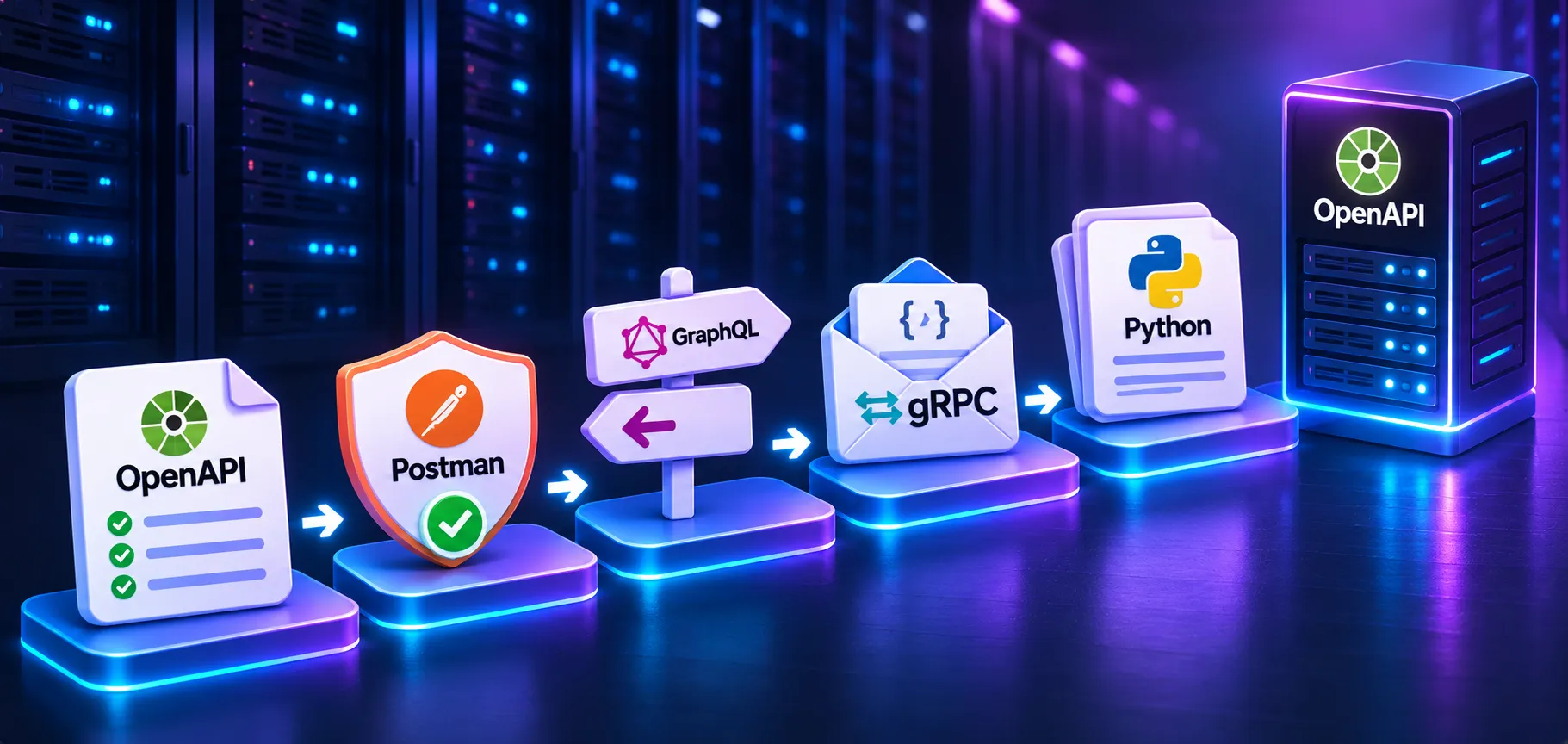
Design an HTTP API people can rely on, read its status codes, choose between REST, GraphQL and gRPC, receive webhooks safely and call a paginated API with retries.
Outcomes
Resources, methods, status codes, errors, pagination, versioning and security: the decisions that make an HTTP API predictable for the people who build on it.
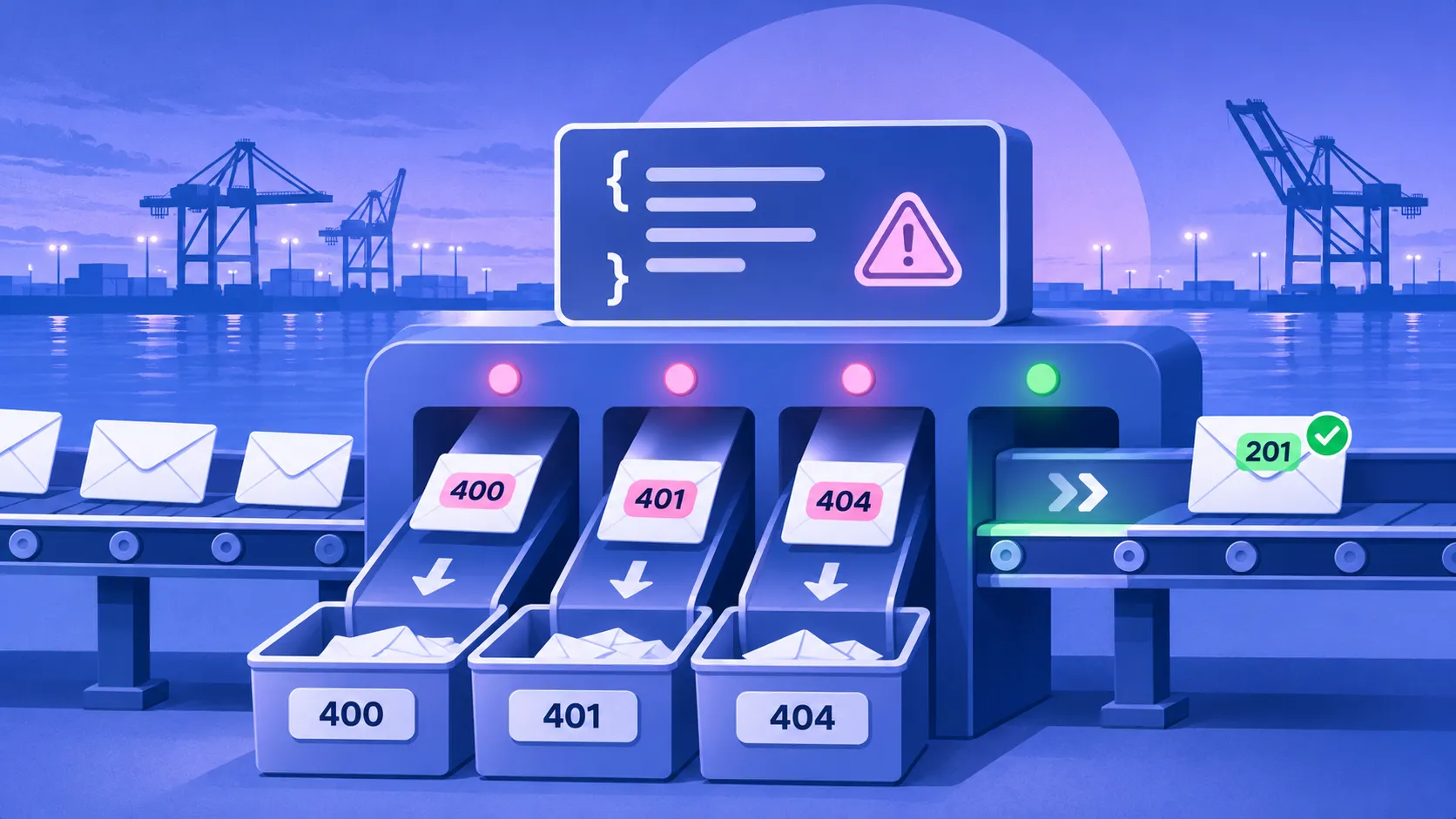
Every status code a typical web application or API returns, grouped by what the client should do next, with the mistakes that cause each one.
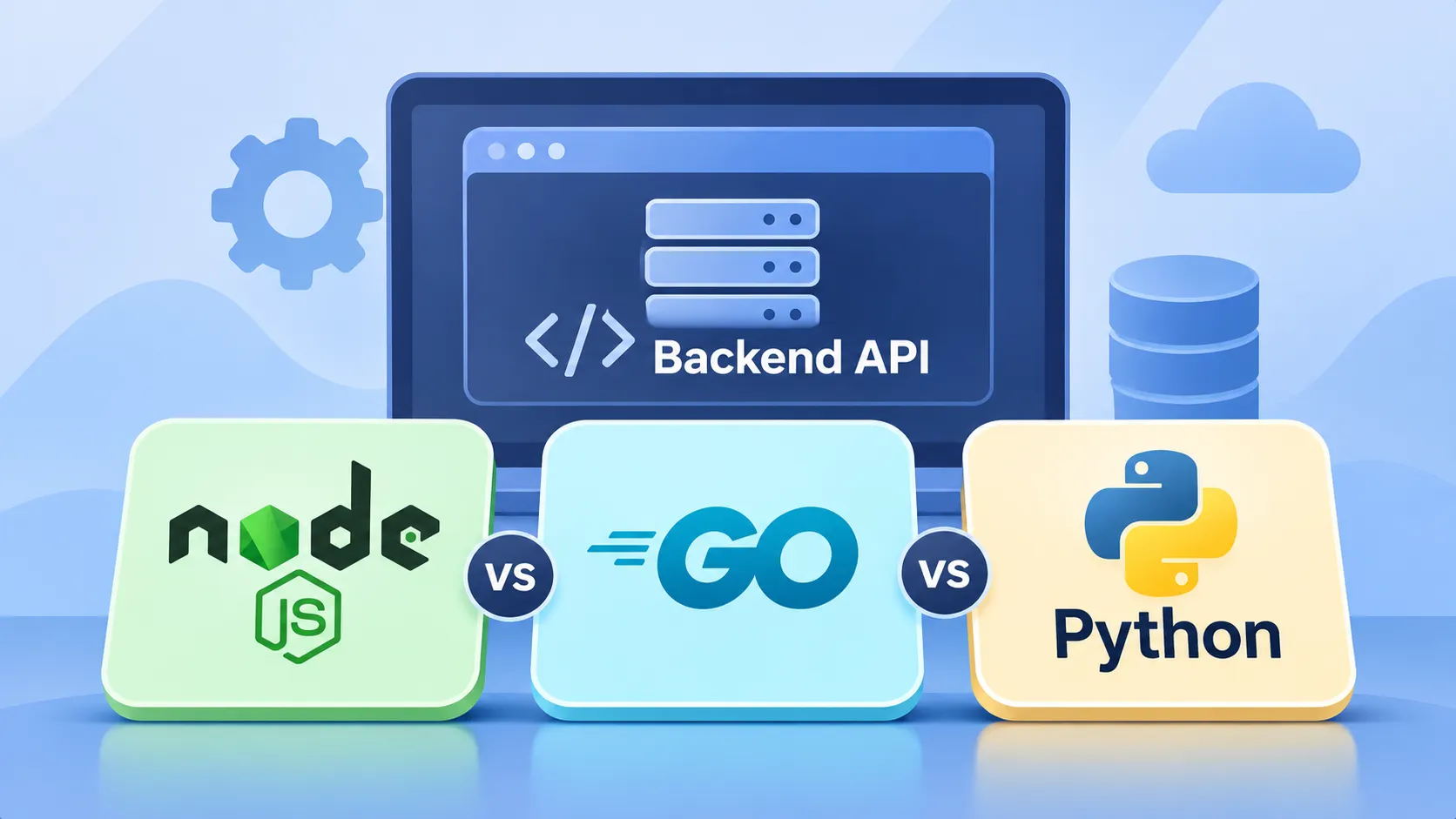
Three ways to expose and call services, compared on data fetching, typing, performance, browser support and tooling, with a short guide to picking one.
A webhook endpoint is a public door. Build one that checks who sent the request, rejects old replays and survives the same event arriving twice.
Collect every page from an API that sometimes returns 503 or 429: follow the cursor, retry only what is worth retrying, wait with backoff and jitter, and stop when it is hopeless.
Covered
Learning plan
Each lesson is short enough for one sitting and ends by pointing to the next.
Best practicesRESTDoneStarted
Resources, methods, status codes, errors, pagination, versioning and security: the decisions that make an HTTP API predictable for the people who build on it.
 Reference
RESTDoneStarted
Every status code a typical web application or API returns, grouped by what the client should do next, with the mistakes that cause each one.
 Comparison
APIs & IntegrationsDoneStarted
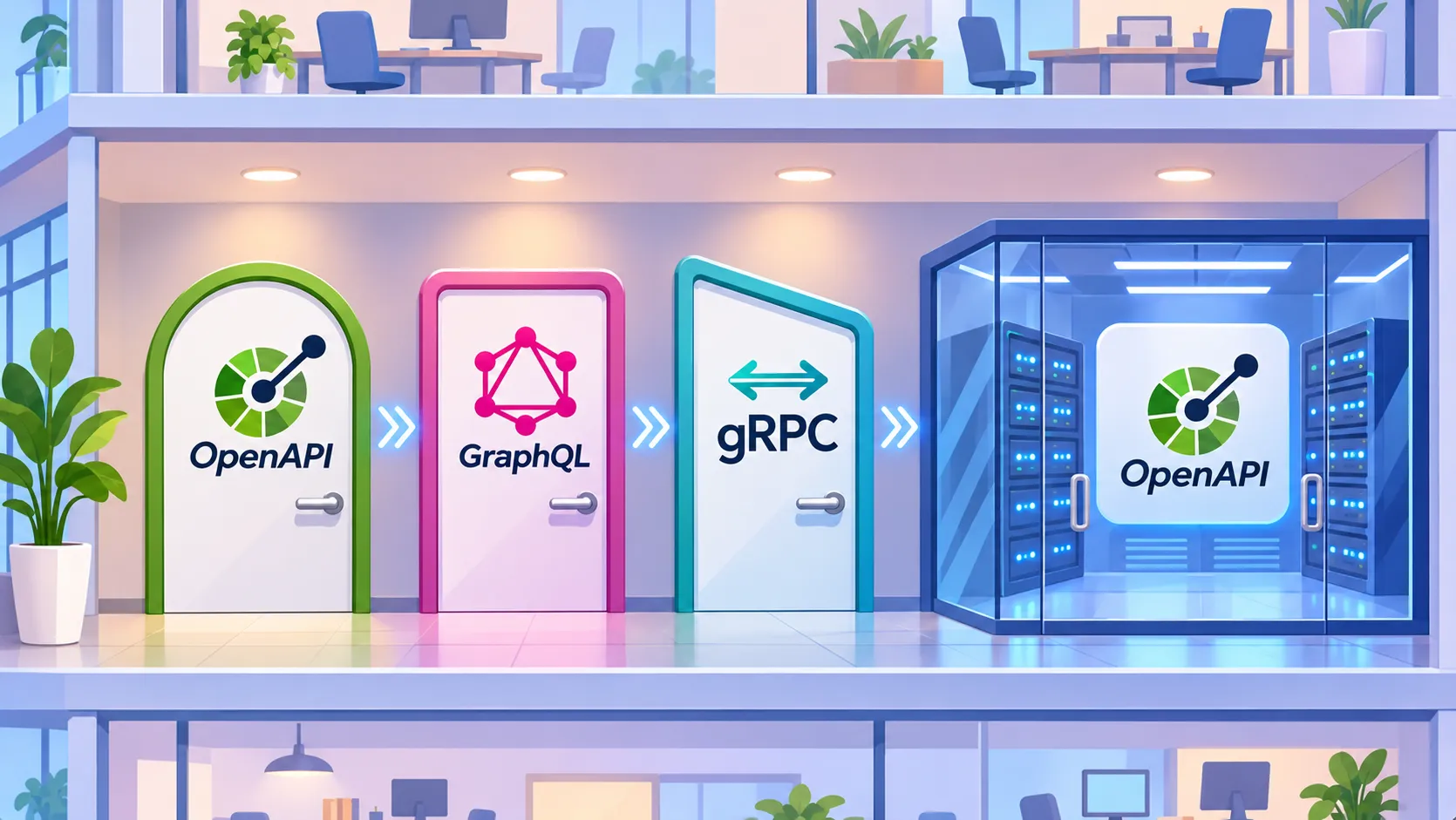
Three ways to expose and call services, compared on data fetching, typing, performance, browser support and tooling, with a short guide to picking one.
 Integration
WebhooksDoneStarted
A webhook endpoint is a public door. Build one that checks who sent the request, rejects old replays and survives the same event arriving twice.
 Integration
RESTDoneStarted
Collect every page from an API that sometimes returns 503 or 429: follow the cursor, retry only what is worth retrying, wait with backoff and jitter, and stop when it is hopeless.
Questions
Open the first lesson now: nothing to install, nothing to sign up for.
My load job inserts the previous day's sales into a reporting table. One night it failed halfway, I re-ran it, and now that day has twice the rows and the totals are wrong. I do…
 Learning pathBeginner
The ground a data project stands on: the command line, how a name finds a server, packaging an app in a container, where files and databases live, keeping secrets out of code, backups you have tested and a cloud bill you control.