What you will learn
4- Explain why memory is the budget that limits a small VPS.
- Split memory use into fixed cost per service and variable cost per request.
- Apply a simple test to decide whether a service belongs on the server.
- Decide what to move off the VPS, what to keep, and when to buy a bigger plan.
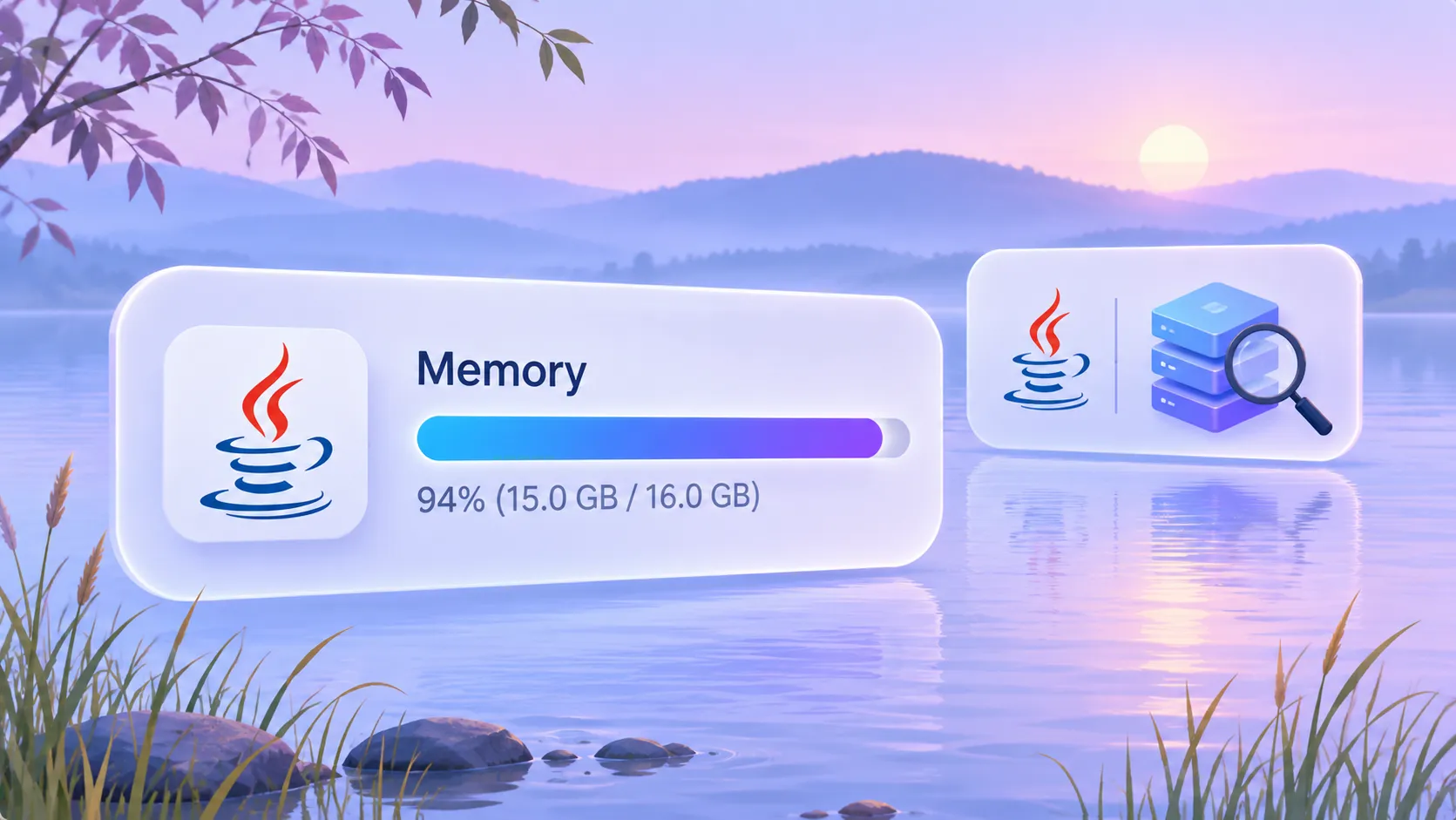
A small VPS gives you a fixed amount of RAM, and everything you start shares it. Your backend is only one of the tenants.
This piece explains memory use from first principles. You learn how to think about each service as a cost, how to decide what stays, and how to avoid cutting the wrong thing. It contains no installation steps, because the right commands depend on your distribution and your provider. Check their documentation for those. No version numbers are stated, because none apply to the concepts here.
Why does a small VPS run out of memory first?
A VPS has four properties you choose on: RAM, disk, location and network. On a small plan, RAM is the one you feel first, because it is shared by every running process at the same time.
Disk is different. Unused files sit still and cost nothing while idle. A process that is running holds memory whether or not anyone is using it.
That is the core idea of this article. On a small server, idle services still cost you. The backend you care about competes with everything else you started.
What does a running service actually cost?
Split the cost into two parts.
- Fixed cost. The memory a service holds just by being started. You pay it all day, even with zero traffic.
- Variable cost. The extra memory used while it handles work: requests, connections, caches, queries.
Fixed cost is what you can remove by deleting a service. Variable cost is what you tune inside a service you keep.
A small server is mostly a fixed-cost problem. If five services each hold a little memory at rest, the total is gone before a request arrives. Then a traffic spike adds variable cost on top, and the system has nowhere to put it.
You can measure both with the process and memory tools that ship with your distribution. Their names and output differ by system, so read your distribution's documentation instead of copying a command from here.
What does a minimal backend host look like?
Start from the smallest shape that works, then add only what you can justify.
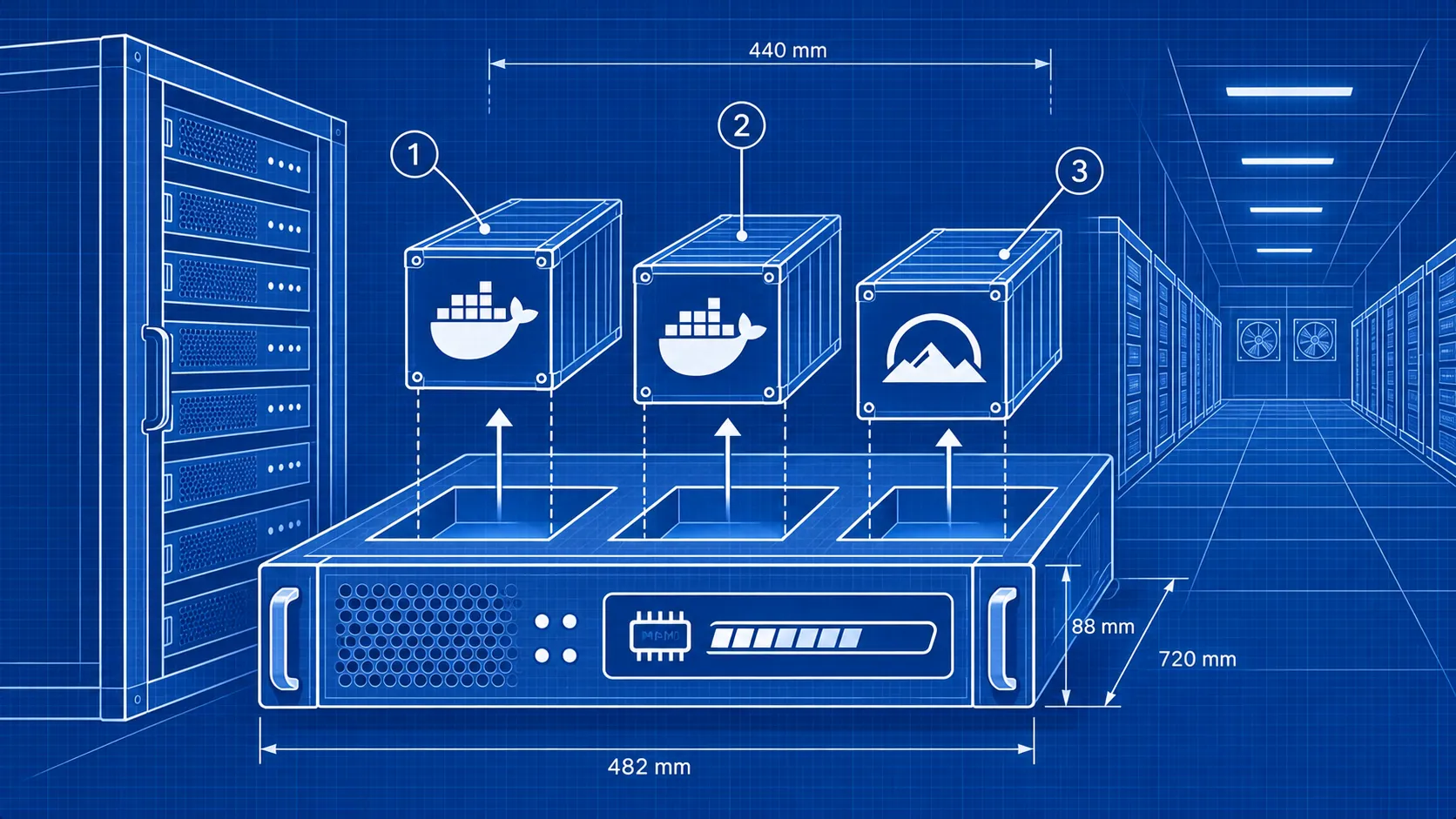
A common minimal pattern for simple backends is a single instance running a container runtime and one reverse proxy. Providers describe this for single-instance offerings such as AWS Lightsail, which pairs one instance with Docker and Caddy. DigitalOcean Droplets are used the same way for small APIs.
Count the pieces in that pattern:
- The operating system.
- A container runtime (Docker).
- A reverse proxy (Caddy).
- Your backend.
Everything beyond those four needs a reason. That does not mean the minimum is always right. It means the minimum is your baseline for comparison.
How do you decide whether a service belongs on the server?
Ask three questions about each running service. Answer them honestly, in order.
- Is it on the request path? If a user request fails when the service stops, it is needed. Your backend, your proxy and your database usually qualify.
- Does something you rely on break without it? Backups, certificate handling and security updates are not on the request path, but you still need them.
- Does an operator use it regularly? A dashboard you open once a month is a candidate for removal or for running on demand.
If the answer to all three is no, the service is a removal candidate. If you cannot say what it does, find out before you stop it.
This test avoids the usual trap. People remove services by size, largest first. Size is not the test. Purpose is.
Which services are usually the first to go?
These are patterns, not a fixed list. Apply the three-question test to each one on your own server.
- A second reverse proxy. Two proxies in front of one backend duplicate work. One is enough.
- A database you barely use. If your data is a few small tables, check whether a lighter store is enough. Weigh this carefully, because data loss costs more than memory.
- Management panels and dashboards. A web interface for the server that you rarely open holds memory around the clock.
- Monitoring stacks bigger than the thing they watch. A full metrics system on a tiny server can use more memory than your backend.
- Services installed for a trial. Experiments left running after you chose a different path.
- Mail, chat or file-sync services. If a hosted option does the job, the VPS does not need to.
A platform layer deserves the same scrutiny. Tools exist to turn a VPS into an environment where hosting projects is simple, and some offer this as their main purpose. Convenience has a fixed cost too. Check what that layer runs in the background before you adopt it on a small plan.
What can you move off the VPS entirely?
Memory you do not use on the VPS is memory your backend keeps.
The frontend is the clearest example. Many providers host frontends for free with few limits, while the backend is the hard part to host. A static frontend on the VPS gains you little and uses a proxy's attention.
Also consider where each job should run:
- Backups. Store them away from the server. A backup on the same disk fails with the disk.
- Heavy side jobs. Batch work that spikes memory can run elsewhere, or at a scheduled quiet time.
- Home server or VPS. Some workloads fit a machine at home better, while others need a public address. Decide per workload, not per habit.
The question is always the same: does this need to be here, always on?
How do you see the effect of a removal?
Treat each removal as a small experiment.
- Record memory use at rest, before you change anything.
- Stop one service. Do not delete it yet.
- Run your normal workload and watch for failures.
- Record memory use again.
- Keep it stopped for a while, then remove it once nothing has broken.
Change one thing at a time. If you stop three services at once and something fails, you do not know which one mattered.
Stopping before deleting gives you a quick way back. Take a backup of any data a service holds before you remove it for good.
What does a worked example look like?
These figures are invented to show the method. They are not measurements of any real system. Replace them with your own.
Suppose your VPS has 1000 units of RAM.
| Item | Units at rest |
|---|---|
| Operating system | 150 |
| Container runtime | 100 |
| Reverse proxy | 50 |
| Your backend | 200 |
| Database | 150 |
| Dashboard | 150 |
| Monitoring stack | 200 |
| Total at rest | 1000 |
The server has no free memory and no room for a spike. Apply the test.
- The dashboard is opened rarely. Stop it and run it only when needed. Saves 150.
- The monitoring stack watches one service. Replace it with a lighter check or an external one. Saves up to 200.
Now 350 units are free for requests, caches and the unexpected. You removed two services and changed nothing in your own code.
The point is the shape of the work: list, classify, remove, measure.
What should you not remove to save memory?
Some services look idle but protect you.
- Backup jobs. They use memory only when they run, and they are your recovery path.
- Whatever renews your TLS certificates. If your proxy does it, keep the proxy configured to.
- Security updates. Skipping them trades memory for risk.
- Logging you need to debug. Reduce volume if you must, but keep enough to explain a failure.
A server with spare memory and no backups is in worse shape than a tight one with backups.
When is the plan simply too small?
Removal has a floor. Once you are down to the minimal pattern and the backend still fails under normal load, the plan is too small, or the backend needs tuning.
You then have three choices:
- Tune the backend. Reduce its variable cost: fewer concurrent connections, smaller caches, leaner queries. The settings depend on your runtime, so use its documentation.
- Move to a larger plan. Compare plans on RAM first, then disk, location and network.
- Change the hosting model. Small APIs also run on managed options such as Cloud Run's free tier, which removes server upkeep.
Spending a little more on RAM is often cheaper than hours of cutting. Decide with your own measurements, not by feel.
Glossary
- VPS
- A virtual private server: a rented virtual machine with a fixed share of RAM, disk and network.
- Fixed cost
- The memory a service holds just by running, whether or not it handles any traffic.
- Variable cost
- The extra memory a service uses while it works on requests, connections or caches.
- Reverse proxy
- A service that receives outside requests and forwards them to your backend. Caddy is one example.
- Request path
- The set of services a user request passes through. If one stops, the request fails.
- Headroom
- Memory left free so that traffic spikes do not push the server into failure.
Frequently asked questions
Which properties should you check first when choosing a VPS for self-hosting?
VPS selection guidance lists RAM, disk, location and network. For a backend on a small plan, start with RAM, because every running service shares it.
What is the smallest setup for a simple backend?
A single instance with a container runtime and one reverse proxy is a common pattern. AWS Lightsail is described as offering a single instance with Docker and Caddy for simple backends.
Should the frontend run on the same VPS as the backend?
Not necessarily. Many providers host frontends for free with few limits, so the VPS can keep its memory for the backend.
Is there a way to avoid managing a server for a small API?
Yes. DigitalOcean Droplets and the free tier of Cloud Run are named as options for small APIs. Check each provider's documentation for current limits.
Does a tool that simplifies VPS self-hosting save memory?
Not by itself. Such tools aim to make hosting projects simple and safe, but they run their own components. Check what they keep running before you adopt one on a small plan.
Next steps
- List every running process on your server and mark each with the three-question test.
- Record memory use at rest, then remove one candidate and compare.
- Read your distribution's documentation for its memory and process tools.
- Read your provider's plan documentation and compare RAM, disk, location and network before upgrading.
From Grokem: https://www.grokem.com/programming/web-development/backend/reduce-memory-use-on-a-small-vps-backend-which-services-to-remove