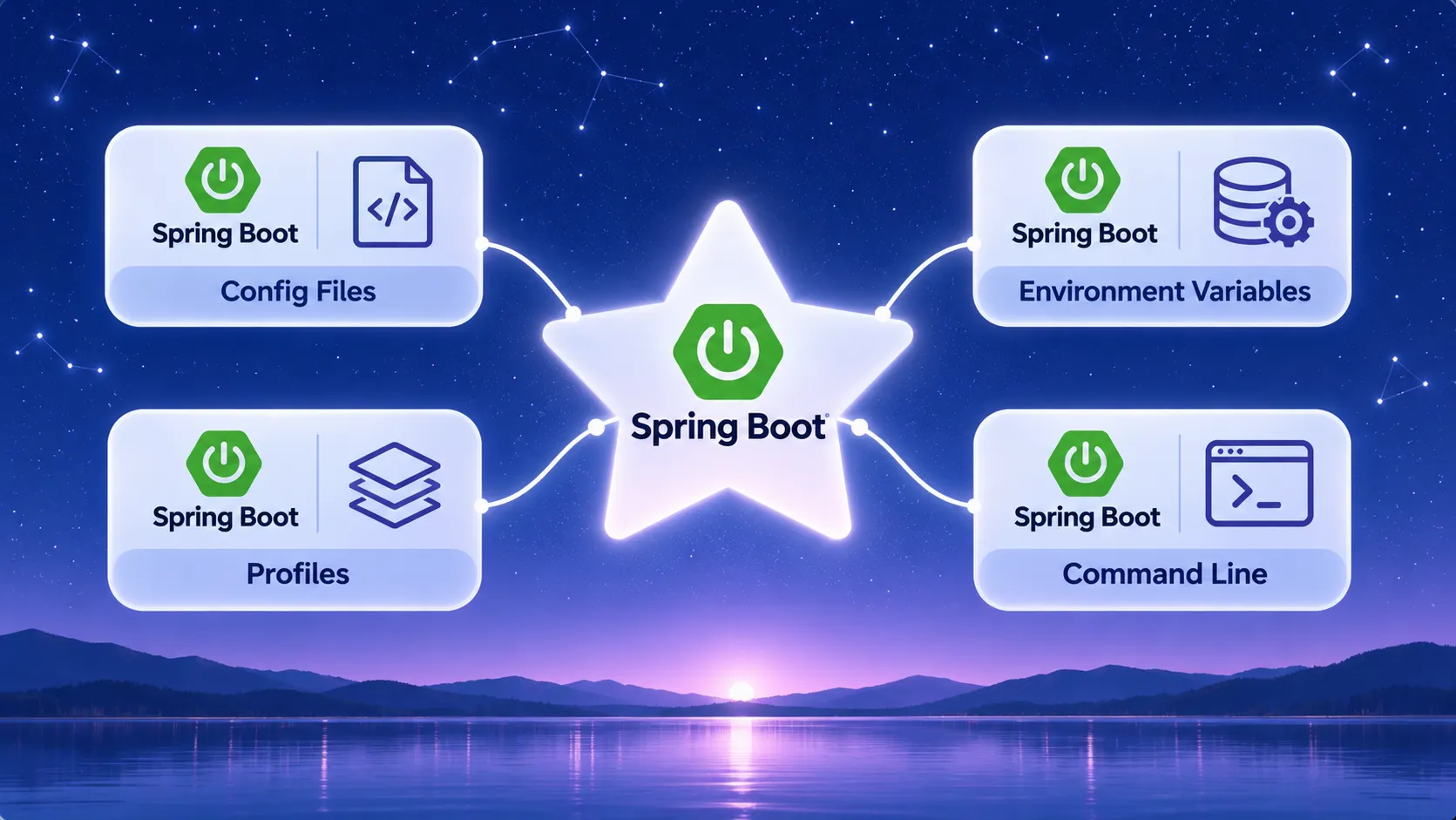
What you will learn
5- Explain what externalized configuration is and why Spring Boot uses it
- Write a simple application.yml and read its values from code
- Activate a profile and keep profile-specific values in separate files or documents
- Predict which source wins when the same property is set in several places
- Map a dotted property name to an environment variable name
Spring Boot lets you change an application's settings without changing its code. You keep defaults in a file such as application.yml, group environment-specific values into profiles, and override anything at run time with environment variables or command-line arguments.
This explainer follows the Spring Boot reference pages for externalized configuration and profiles, plus the Spring Framework page on the Environment abstraction. Property names and behaviour can differ between releases, so open the reference for the exact Spring Boot version your project uses and compare it with what you read here.
Each section below answers one question.
What is externalized configuration?
Externalized configuration means your settings live outside your compiled code. Spring Boot lets you work with the same application code in different environments because the values come from outside.
The documented sources include Java properties files, YAML files, environment variables and command-line arguments.
A typical setup looks like this:
- A default value ships inside your jar.
- A different environment supplies its own file next to the jar to replace that default.
- For a one-off test you pass a command-line switch.
You build the jar once. Only the settings change per environment, which is why this approach is worth learning first.
Which configuration files does Spring Boot read?
Spring Boot reads application.properties and its YAML variants, such as application.yml. These are called config data files.
They are considered in this order, and later ones override earlier ones:
- Application properties packaged inside your jar.
- Profile-specific properties packaged inside your jar (
application-{profile}). - Application properties outside your jar.
- Profile-specific properties outside your jar.
If you put a .properties file and a YAML file in the same location, .properties takes precedence. The reference recommends sticking to one format for the whole application, so pick YAML and stay with it.
How do I write application.yml?
YAML uses indentation to express the dots in a property name. The property spring.main.banner-mode becomes a banner-mode key nested under main, nested under spring.
These two files are equivalent. Both come from the Spring Boot how-to guide: they stop the banner printing and stop the embedded web server from starting.
The reference examples put string values in double quotes, and you can do the same.
Lists work in both formats too. In properties you write spring.profiles.include[0]=common. In YAML you write a dash list under the key.
spring.main.web-application-type=none
spring.main.banner-mode=off
spring:
  main:
    web-application-type: "none"
    banner-mode: "off"
How do I read a value in my code?
The reference describes three ways to get property values into your application:
- Inject them into a bean with the
@Valueannotation. - Read them through Spring's
Environmentabstraction. - Bind them to structured objects with
@ConfigurationProperties.
The simplest is @Value. The class below reads a property called name. If application.yml contains name: "Spring", the field holds Spring.
The ${name} placeholder is the property key. The getter is added only so other code can read the field.
This article does not walk through @ConfigurationProperties in detail. See the Externalized Configuration page for that.
import org.springframework.beans.factory.annotation.Value;
import org.springframework.stereotype.Component;

@Component
public class MyBean {

    @Value("${name}")
    private String name;

    public String getName() {
        return name;
    }
}
What is a profile?
A profile is a named group of configuration that is only available in certain environments. The Spring Framework describes it as a named, logical group of bean definitions that is registered only if the profile is active.
In Spring Boot, you can mark any @Component, @Configuration or @ConfigurationProperties with @Profile to limit when it loads. The class below is only loaded when the production profile is active.
The Environment object decides which profiles are active, and which should be active by default.
import org.springframework.context.annotation.Configuration;
import org.springframework.context.annotation.Profile;

@Configuration(proxyBeanMethods = false)
@Profile("production")
public class ProductionConfiguration {
    // beans that only exist in production
}
How do I turn a profile on?
Set the spring.profiles.active property. You can set it in any of the ways Spring Boot reads properties. Two common ones are the config file and the command line.
In application.yml, list one or more profile names. A comma separates several names:
On the command line, use the switch form:
Because command-line arguments come after config files in the property source order, the switch replaces whatever application.yml says.
If no profile is active, Spring Boot enables a profile named default. You can change that name with spring.profiles.default.
spring:
  profiles:
    active: "dev,hsqldb"
java -jar app.jar --spring.profiles.active=dev,hsqldb
Where do I keep values for one profile?
You have two options.
Option 1: a separate file per profile. Name it application-{profile} with the same extension. For the dev profile that is application-dev.yml. It is read after the plain application.yml in the same location, so its values win.
Option 2: several documents in one YAML file. Separate documents with --- and mark each with spring.config.activate.on-profile. The second document below applies only when dev is active.
The first document is not profile-specific, so it can choose the active profile. Profile-specific files and documents cannot, as the next section explains.
name: "from-application-yml"
spring:
  profiles:
    active: "dev"
---
spring:
  config:
    activate:
      on-profile: "dev"
name: "from-dev-document"
What can I not put inside a profile-specific document?
spring.profiles.active and spring.profiles.default can only be used in non-profile-specific documents. That means you cannot place them in a profile-specific file, or in a document activated by spring.config.activate.on-profile.
The same rule applies to spring.profiles.include. The document below is invalid because the second document is activated by on-profile and tries to set active.
Two related tools exist:
spring.profiles.includeadds profiles on top of those fromspring.profiles.active. Included profiles are added before the active ones.- Profile groups activate several profiles when one profile is on. They are covered in the Profiles page of the reference.
# this document is valid
spring:
  profiles:
    active: "prod"
---
# this document is invalid
spring:
  config:
    activate:
      on-profile: "prod"
  profiles:
    active: "metrics"
Which source wins when values clash?
Spring Boot uses a fixed PropertySource order. Later sources override earlier ones. The reference lists more sources than a beginner needs, so here are the ones you will meet first, from weakest to strongest:
- Default properties set in code with
SpringApplication.setDefaultProperties(Map). - Config data files such as
application.yml(with the file order from earlier). - OS environment variables.
- Java system properties.
SPRING_APPLICATION_JSON, which is inline JSON in an environment variable or system property.- Command-line arguments.
Test-only sources and devtools global settings come after these. See the full list in the Externalized Configuration page.
The practical rule: put defaults in the jar, environment-specific values in profile files or the environment, and one-off overrides on the command line.
How do environment variables fit in?
Environment variables rank above config files, so they can replace a value from application.yml without touching the file.
Most operating systems do not allow periods in variable names. Spring Boot lets you use underscores instead. The reference example is SPRING_CONFIG_NAME in place of spring.config.name.
So the pattern is: write the property in upper case and replace the dots with underscores.
Names that contain dashes or list indexes follow extra rules. Those are described in the Binding From Environment Variables section of the Externalized Configuration page. Check it before you rely on a guess.
If your application runs in a servlet container or application server, JNDI properties and servlet context init parameters can be used instead of, or as well as, environment variables.
How do I override one value for a single run?
Pass a command-line option that starts with --. Spring Boot converts it to a property and adds it to the environment.
The reference uses these examples:
java -jar app.jar --name="Spring"setsnamefor this run.--server.port=9000sets a port.
Command-line arguments are near the top of the order, so they beat files and environment variables. That makes them good for quick tests, and a poor place for values you need every time.
java -jar app.jar --name="Spring"
Why is my logging or spring.main setting ignored?
A @PropertySource annotation on a @Configuration class is a valid source, but it is added to the Environment only when the application context is refreshed.
That is too late for properties read before refresh begins, such as logging.* and spring.main.*. Put those in application.yml, an environment variable or a command-line argument instead.
How do I find out why a property has a certain value?
Use the env and configprops endpoints. They show which value is in effect and where it came from, so they help you diagnose unexpected property values.
These endpoints belong to the production-ready features of Spring Boot. This article does not cover how to enable or expose them. See the Production ready features section of the reference.
What does a full example look like?
Put two files next to each other on the classpath: application.yml and application-dev.yml.
With your MyBean class from earlier, run the jar three ways.
What happens:
- With no switch,
namecomes fromapplication.yml. Thedefaultprofile is active, soapplication-dev.ymlis ignored. - With
devactive,application-dev.ymlis read afterapplication.yml, so itsnamewins. - With
--name="Spring", the command line beats both files.
# application.yml
name: "from-application-yml"
spring:
  main:
    banner-mode: "off"
# application-dev.yml
name: "from-dev-profile"
java -jar app.jar
java -jar app.jar --spring.profiles.active=dev
java -jar app.jar --spring.profiles.active=dev --name="Spring"
Which build placeholders can clash with Spring placeholders?
Your build can expand placeholders in configuration files before Spring Boot sees them.
With Maven and the spring-boot-starter-parent, use @..@ placeholders such as @java.version@. Only production configuration is filtered, not src/test/resources.
With Gradle, the expand method transforms ${..} tokens, which clashes with Spring's own ${..} placeholders. Escape Spring's as \${..} when you use expansion.
Without the starter parent in Maven, set useDefaultDelimiters to false. Otherwise standard ${placeholder} values may be expanded by the build. The how-to page has the full configuration.
Glossary
- Externalized configuration
- Keeping settings outside your code so the same application runs in different environments.
- Property source
- A place property values come from, such as a config file, an environment variable or the command line. Later sources override earlier ones.
- Profile
- A named group of configuration or beans that is available only when the profile is active.
- Active profile
- A profile switched on, for example with spring.profiles.active.
- Default profile
- The profile named default, enabled when no other profile is active. Its name can be changed with spring.profiles.default.
- Config data file
- A file such as application.yml or application-{profile}.yml that Spring Boot reads for properties.
- Environment
- The Spring abstraction that models profiles and properties and resolves property values from all sources.
Frequently asked questions
Should I use application.properties or application.yml?
Both work. The reference recommends using one format for the whole application. If both exist in the same location, .properties takes precedence.
Can I activate more than one profile?
Yes. Separate names with a comma, as in spring.profiles.active: "dev,hsqldb". You can also add profiles with spring.profiles.include.
Do environment variables override application.yml?
Yes. OS environment variables come later in the property source order than config data files, so they win.
What happens if no profile is active?
Spring Boot enables a profile named default. You can change that name with spring.profiles.default.
How do I change one value for a quick test?
Start the jar with a command-line option, for example java -jar app.jar --name="Spring". Command-line arguments override files and environment variables.
How can I check where a property value came from?
Use the env and configprops endpoints. See the Production ready features section of the reference for how to use them.
Next steps
- Read the Externalized Configuration page for @ConfigurationProperties and the full property source list.
- Read the Profiles page for profile groups and adding profiles in Java with setAdditionalProfiles().
- Browse the Common Application Properties appendix to see which properties Spring Boot already defines.
- Read the Production ready features section to learn about the env and configprops endpoints.
References
From Grokem: https://www.grokem.com/programming/web-development/backend/spring-boot-configuration-applicationyml-profiles-and-environment-variables